(04) Case study / Engineering + Creation
Blurt
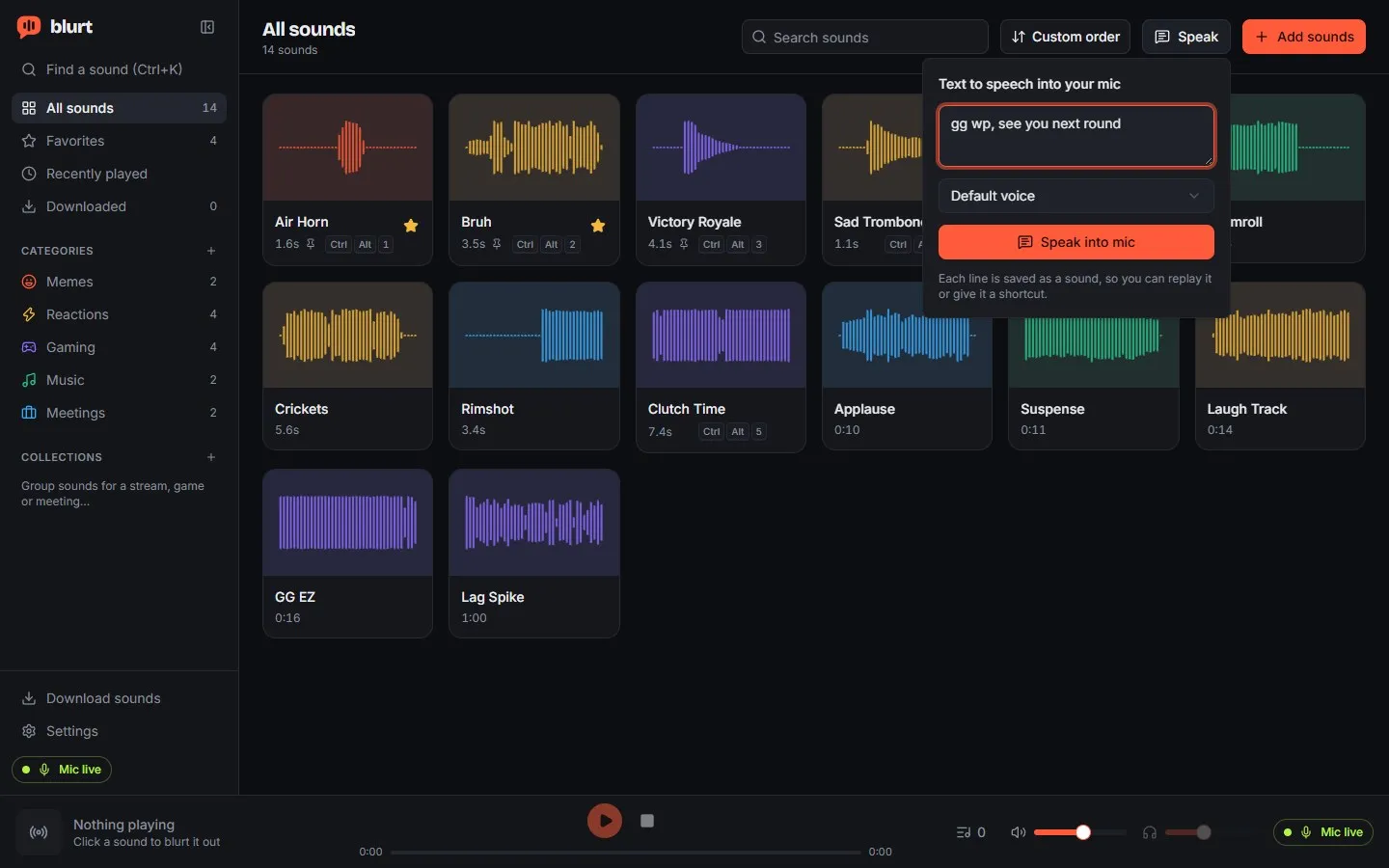
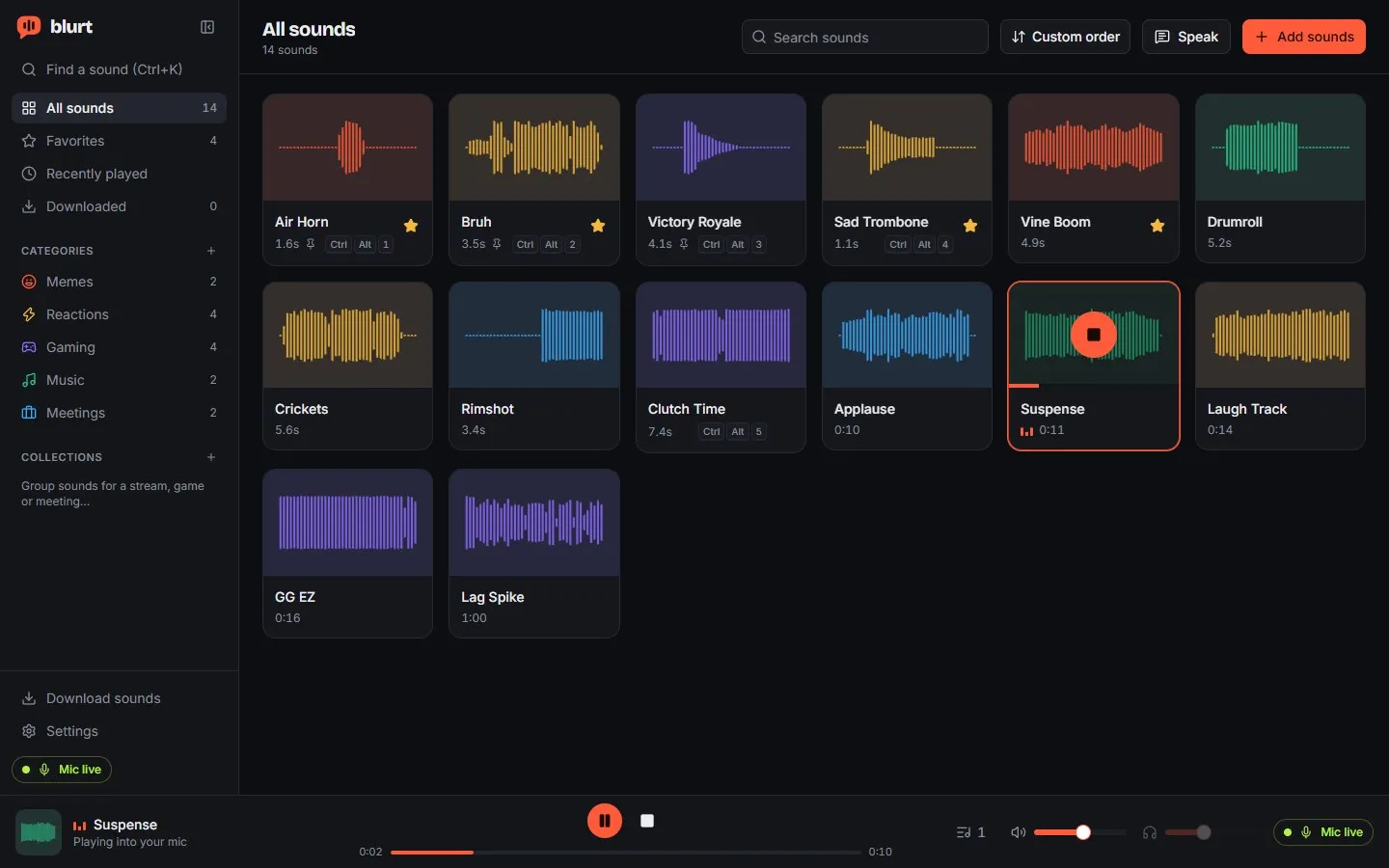
A desktop soundboard that plays straight into your microphone, so everyone on a call or in voice chat hears it.
The constraint
Neither Windows nor macOS lets an ordinary application create a microphone. A soundboard that promises to play into your mic has to route through a driver, and it has to be honest when that route doesn't work.
What it does
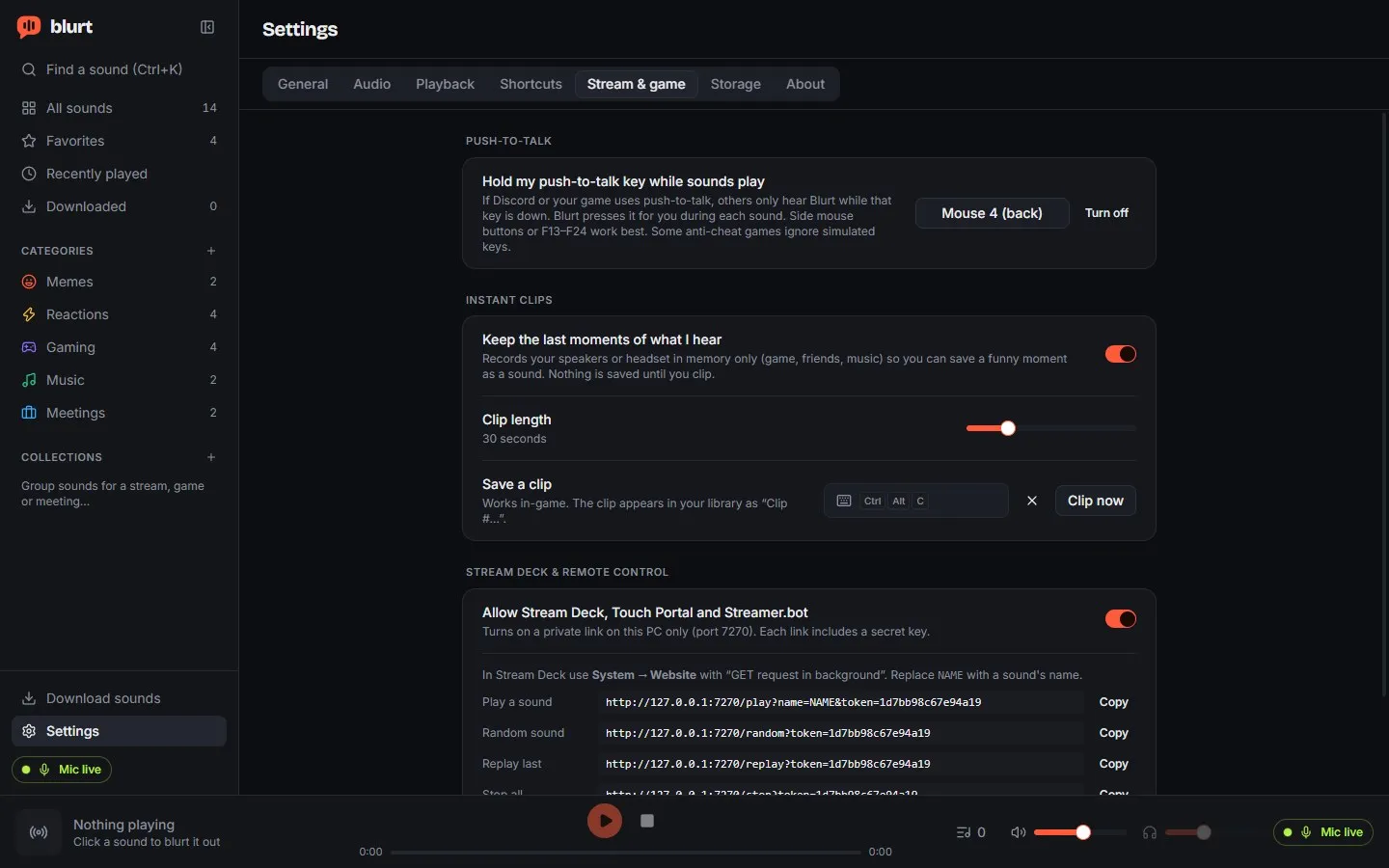
Sounds are organised into categories and favourites, with playback progress and shortcuts that work while you're in a game. You can import audio files or paste a link from YouTube, TikTok or Instagram. It lives in the system tray and can start on boot.
Decisions that shaped it
Use an existing virtual cable instead of writing a driver. A custom driver would mean kernel-level signing on Windows, notarisation on macOS and maintenance after every operating system update. Blurt relies on established cables and walks the user through the one install step.
Keep audio out of the webview. A webview can only reach the default output device, so playback, mixing and routing live in a native Rust engine, and the real-time audio callback never waits on a lock.
Never fail silently. If a sound can't reach the microphone, Blurt says so instead of quietly playing it on your speakers. Devices are classified from operating system metadata rather than their names, and a loopback test proves a route actually works.
Where it stands
The Windows virtual microphone workflow has been tested successfully. macOS builds exist, but they haven't been tested on a Mac, so I don't consider that experience verified.
Technologies
Tauri 2 / Rust / React / TypeScript / cpal / Symphonia / SQLite / yt-dlp